

InnoView Laptop Screen Extender 15.6″ Dual Monitors (Wins/Mac) Stacked Foldable Triple Monitor 1080P Portable Monitor for Laptop 90°/180° Automatic Rotation
$199.99




Price: $199.99
(as of Mar 26, 2025 01:49:34 UTC – Details)
Product Description
The video showcases the product in use.The video guides you through product setup.The video compares multiple products.The video shows the product being unpacked. hero-video Merchant Video
 Meet Various Needs
It’s suitable for a wide range of applications, offering you a rich and hassle-free experience
 Ultimate Visual Experience
Precise color reproduction and wide 120% SRGB color gamut deliver stunning images and videos
 Increase Work Efficiency
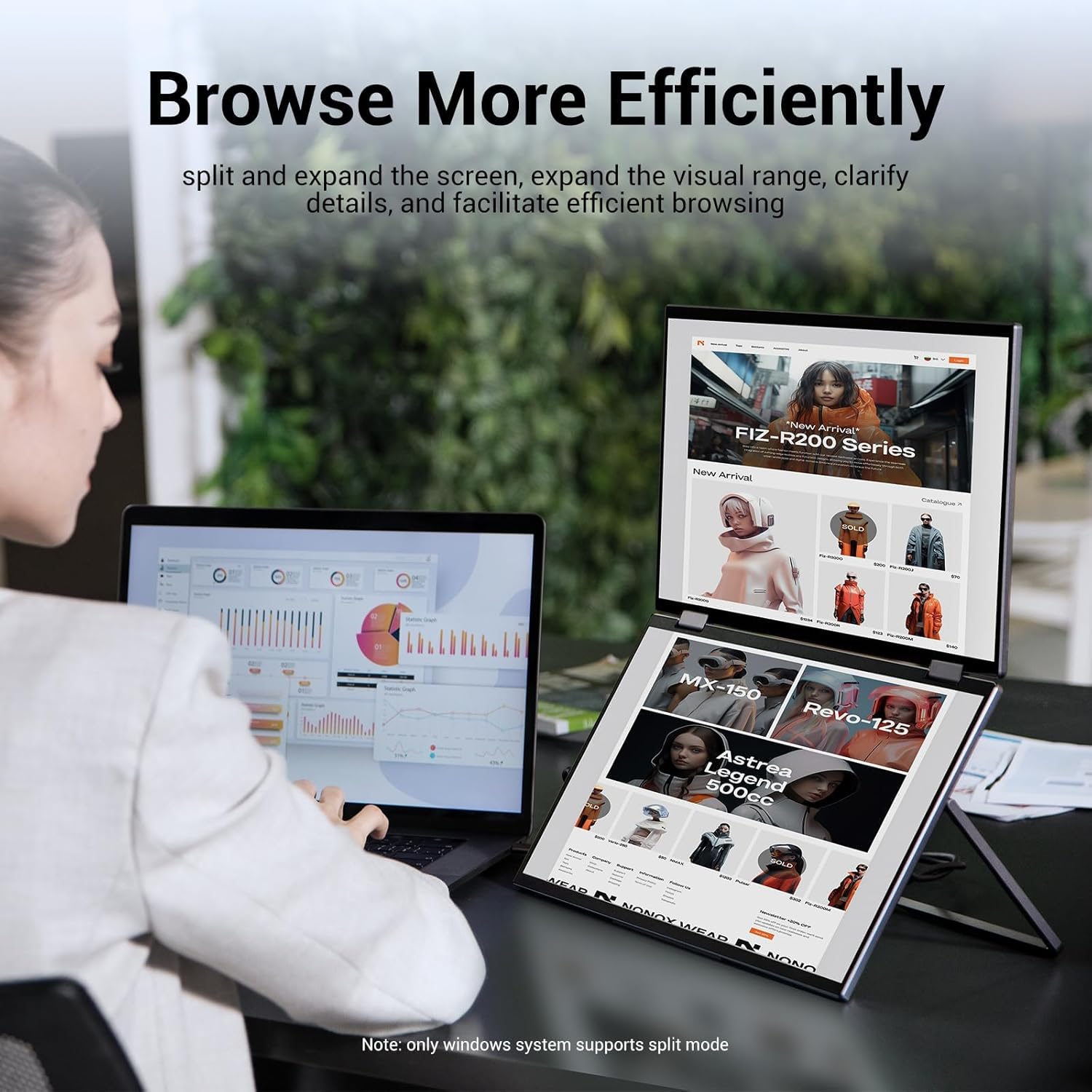
Upgrade multitasking, reduce switching pages, and comprehensively improve your productivity
 Professional Data Analysis
Dual screen displays provide a wider field of view, helping you manage and analyze data more clearly
 Compact & Reliable Protection
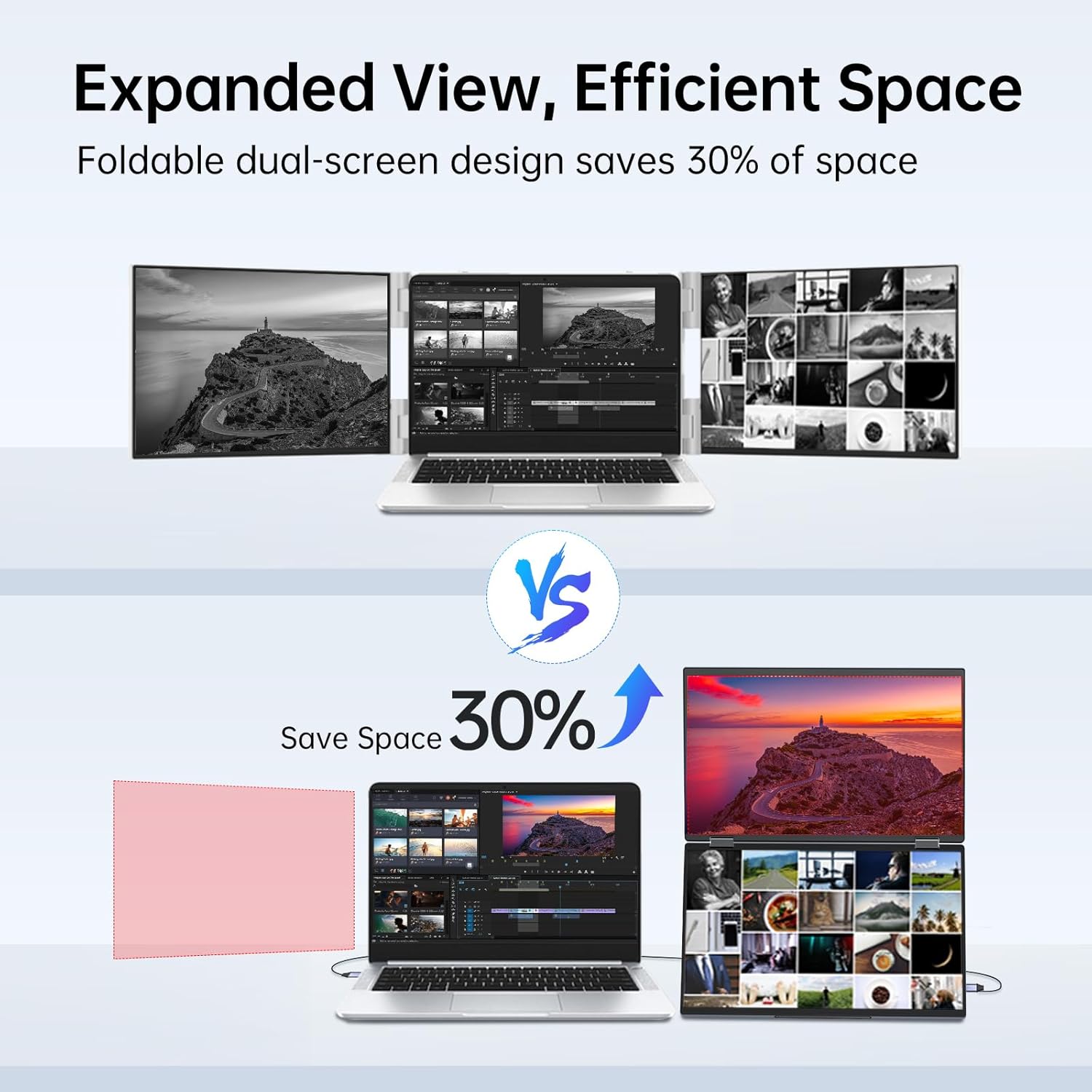
Ultra slim, no burden to carry on-the-go, folding design provide effective protection for the screen
1 Dual Monitors
2 Portable Computer Monitor
3 Laptop Screen Extender
4 Portable Stacked Monitor
5 Travel Monitor for Laptop


For optimal resolution (1920:1080), ensure your computer’s port is USB 3.0 when using HDMI. If using USB 2.0, resolution may decrease to 1280:768 and cause slight delays.


1 Extended Mode 2 TYPE C CONNECTION 3 HDMI CONNECTION 4 Gain Praise 5 ABOUT US
The video showcases the product in use.The video guides you through product setup.The video compares multiple products.The video shows the product being unpacked. video Merchant Video
Need assistance installing the driver? Watch the video instructions for MacOS/Windows.
If the top screen doesn’t light up after installing drivers for NVIDIA graphics card, what should you do?
Open NVIDIA control panel > ‘Manage 3D settings’ > ‘Program Settings’ > Add ‘winUSB Display’ > Set graphics processor to ‘Integrated Graphics’ > Apply > Restart.
Need assistance installing the driver on Mac? Watch the video instructions for MacOS
Only download it once for initial use.
The video showcases the product in use.The video guides you through product setup.The video compares multiple products.The video shows the product being unpacked. video Merchant Video
What system does this support? Do l need to install drivers?
1.Support Windows7/10/11,macOS 10.15 and above
2.Yes, you need to install drivers. Scan the manual for the latest driver and installation guide video.For once use,please make sure you’re installing the monitor driver and then restart your computer.
What should l know before buying?
Without touchscreen, Bluetooth, Wi-Fi, or battery. Insufficient power from connected devices may cause screen flickering due to high power requirement. We provide a high-wattage charger for optimal display quality. Please use it for best performance.
How to connect my device?
1. Full USB-C laptop? 1 cable for video & 1 for power.
2. No USB-C? HDMI with USB-C & USB-A to C cables.
3. Phones, tablets, PS, Xbox, Switch: Only one screen due to driver limits.
If l am an NVlDlA graphics card user, and if my upper screen is not lit, what should l do?
Open NVIDIA control panel > ‘Manage 3D settings’ > ‘Program Settings’ > Add ‘winUSB Display’ > Set graphics processor to ‘Integrated Graphics’ > Apply > Restart.
What should l do if l have doubts during use?
The manual contains solutions to many common questions, l hope these can help you. You can also find us, we will serve you wholeheartedly(The Monitor Label)
INNOVIEW MONITOR FAMILY
Add to Cart
Add to Cart
Add to Cart
Add to Cart
Add to Cart
Add to Cart
Price
$199.99$199.99
$219.99$219.99
$469.99$469.99
$599.99$599.99
$119.99$119.99
$499.99$499.99
Color
Grey
Black
Black
Black
Black
Black
Size
15.6″*2
15.6″*2
18.5”*2
23.8”*2
16″
18.5″*2
Resolution
1920*1080P
1920*1080P
1920*1080P
1920*1080P
1920*1080P
1920*1080P
Scenario Application 1
Efficient workflow
60hz
100hz
100hz
180hz for gaming
Efficient workflow
Scenario Application2
Expanded viewing space
No driver required
No driver required
No driver required
180°adjustable stand
Expanded viewing space
Scenario Application3
Seamless collaboration
72% sRGB
115% sRGB
100% sRGB
16:10 Match Mac
Seamless collaboration
✍【Seamless Integration, Effortless Setup】The InnoView portable laptop monitor seamlessly integrates with Windows and MacOS systems. Note: When connected to an iPad, only one screen may light up. This Innoview portable dual monitor requires a USB driver.For first-time use, please scan the QR code provided to access the latest driver and setup video. No need to worry if you encounter a risk warning during setup—it’s a false alarm. The driver is safe to install.
👨💻【Effortless Setup, Enhanced Productivity】Install the driver and boost your work efficiency by 300%. Whether it’s opening multiple spreadsheets or browsing websites on a large screen, multitasking is seamless. How to connect? For Type-C Connection: Type C & Power. (Your computer must have a fully functional Type-C port for output). For HDMI Connection: HDMI & USB A-C & Power.
😊【User-Friendly Design, Enhanced Comfort】1080P resolution,IPS A+ screen. Vivid picture quality.Anti-glare, flicker-free, and featuring automatic rotation (Mac:180°;Windows:90°/180°;) Expand your viewing experience with ease. it adapts seamlessly to your preferences. Whether you prefer simultaneous or independent multi-screen displays, it’s designed to simplify your work.Black and Grey color of monitor for your choice.
🖥【Reliable Performance, Steady Power】Dual screens require higher power, and insufficient supply may cause flickering or dimming. While one cable is adequate, we suggest using a power supply of 30W or higher for each connection to optimize performance.
👨💻【Purchase with Confidence, Reliable Support】Enjoy a 30-day hassle-free return policy, an 18-month warranty (excluding misuse), and convenient customer service. For more details or to receive accessories (monitor sleeve or extended warranty), find INNOVIEW using the information on the back of the monitor.
Customers say
Customers appreciate the monitor’s functionality, design, and build quality. They find it works well, has vibrant colors, and looks like a laptop. Many like the screen resolution and value for money. However, some have reported issues with the second screen not working, driver compatibility issues, and setup difficulty.
User Reviews
Be the first to review “InnoView Laptop Screen Extender 15.6″ Dual Monitors (Wins/Mac) Stacked Foldable Triple Monitor 1080P Portable Monitor for Laptop 90°/180° Automatic Rotation”
Related Products


$199.99
There are no reviews yet.