

HDMI KVM Switch 2 Monitors 2 Computers 4K@60Hz USB 3.0 Dual Monitor KVM Switch 2 Ports for 2 PC Share 2 Screens and 4 USB Devices for Keybord Mouse Printer with Desktop Controller
$69.99



Price: $69.99
(as of Apr 05, 2025 10:27:44 UTC – Details)
Product Description
The video showcases the product in use.The video guides you through product setup.The video compares multiple products.The video shows the product being unpacked. hero-video Merchant Video


1 Connection Schematic
2 Port Schematic


1 4K@60Hz Visual
2 USB 3.0 High Speed


1 High Performance Solution
2 LED INDICATOR
3 STABLE WORK
Product performance comparison
Customer Reviews
4.3 out of 5 stars 139
4.4 out of 5 stars 229
5.0 out of 5 stars 1
4.2 out of 5 stars 230
4.3 out of 5 stars 139
4.4 out of 5 stars 119
4.4 out of 5 stars 119
Price
$69.99$69.99
$89.99$89.99
—
$99.99$99.99
$89.99$89.99
$119.99$119.99
$49.99$49.99
USB standard
USB3.0*4
USB3.0*4
USB2.0*4
USB3.0*4
USB3.0*4
USB3.0*4
USB3.0*4
Input
Per PC: HDMI2.0*2+USB
Per PC: HDMI2.1*2+USB
Per PC: HDMI2.0*2+USB
Per PC: DP1.4*1+HDMI2.1*1+USB
Per PC: DP1.4*2+USB
Per PC: HDMI2.1*3+USB
Per PC: DP1.4*1+USB
Output
HDMI2.0*2
HDMI2.1*2
HDMI2.0*2
DP1.4*1+HDMI2.1*1
DP1.4*2
HDMI2.1*3
DP1.4*1
Quantity of signal sources
2 Computers
2 Computers
2 Computers
2 Computers
2 Computers
2 Computers
2 Computers
Maximum resolution
4K@60Hz
8K@60Hz
4K@60Hz
8K@60Hz
8K@60Hz
8K@60Hz
8K@60Hz
Features
2 PC share 2 monitor
2 PC share 2 monitor
2 PC share 2 monitor
2 PC share 2 monitor
2 PC share 2 monitor
2 PC share 3 monitor
2 PC share 1 monitor
wired control switch
support
support
support
support
support
support
support
Plug and Play
✔
✔
✔
✔
✔
✔
✔
Can KVM switches support up to 4K@60Hz?
Our KVM can support up to 4K@60Hz, but the prerequisite is that the cable and Hub you use must support 4K@60Hz.
Can the two functions of USB Switch and HDMI Switch be used independently?
Yes, you can think of the KVM switch as a USB+HDMI Switch. These two functions not only support simultaneous use, but can also be used separately.
What is the maximum power of peripherals it can drive?
To drive peripherals with a maximum power of 10W, we use a 12V/1A power adapter, which can provide a more powerful and stable drive. Other KVM switches only support 5V/1A adapters. When using high-power peripherals, our KVM will be more stable.
Is it really possible to replace a new product within two years?
Yes, if there are any problems with the product within two years, we will solve it for you, including replacing it with a new KVM.
Do I have to connect the 12V/1A power adapter to use it?
Make sure your computer supports multi-screen display, you can connect two screens directly to the computer and check if there are images display.
Product Dimensions : 5.9 x 2.54 x 1.38 inches; 1.21 Pounds
Item model number : CMSTEDCD-NJHSSW-US-SW220
Date First Available : June 19, 2023
Manufacturer : CMSTEDCD
ASIN : B0DWK39FGF
Country of Origin : China
【KVM Switch Dual Monitor】: CMSTEDCD dual monitor KVM switch Supports you to control two computers with one set of mouse and keyboard, sharing four USB devices and two screens, it effortlessly handles multiple monitors, allowing you to switch between them with ease.Whether you’re working in a home office or a professional environment, this KVM switch provides seamless switching and enhanced productivity.
【4K KVM Switcher】:With support for up to 4K@60Hz resolution,and is backward compatible with 4K@30Hz, 1440P@60Hz, and 1080P@60Hz, this HDMI KVM Switch providing detailed and smooth visuals, perfect for gaming and video playback,and is ideal for controlling PC, laptop, gaming console and other devices of the same type simultaneously.
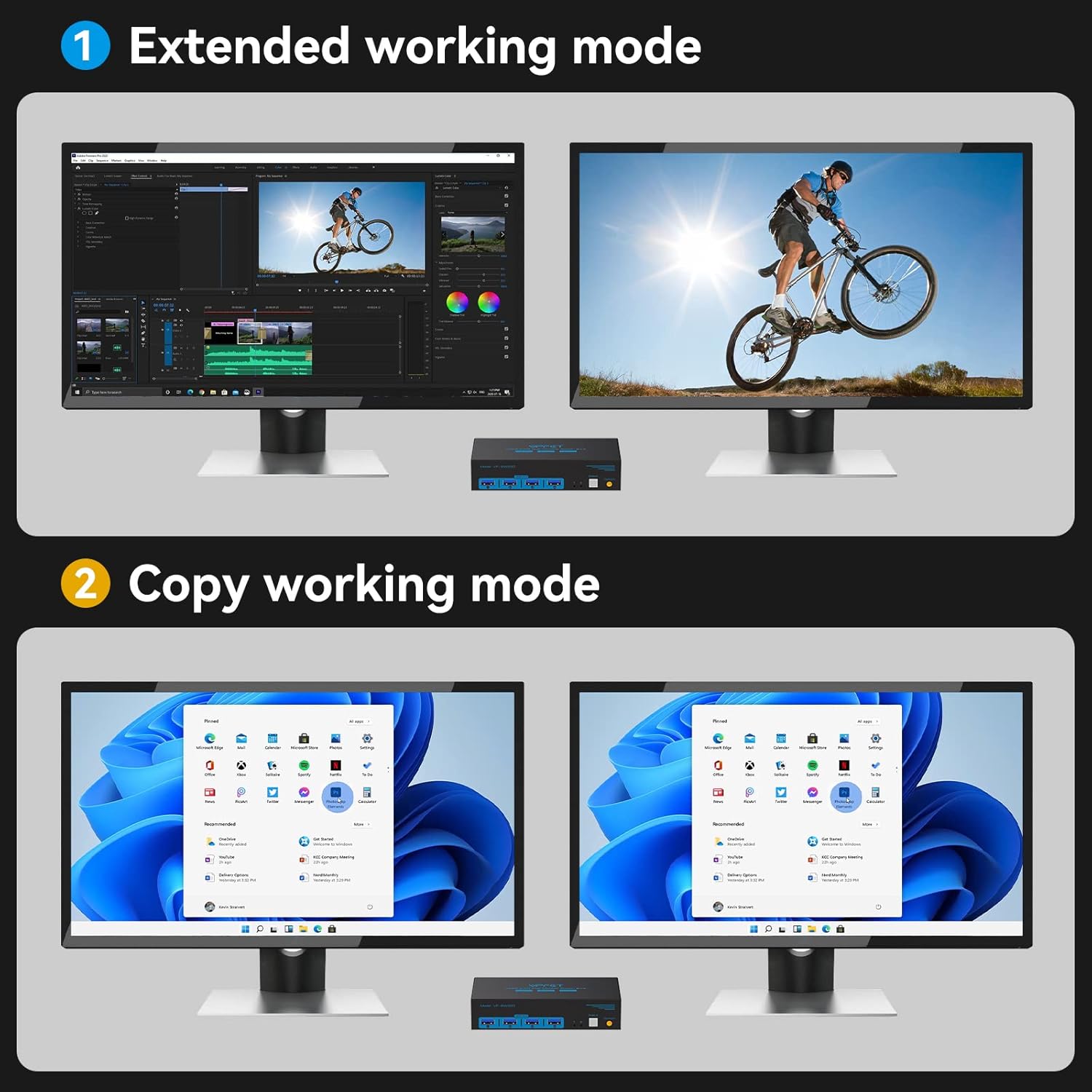
【Dual Mode KVM Switches】:This dual display KVM Switch also support extended working mode and copy working mode.In Extended mode, each monitor can display different content if the device supports it, while in Duplicate mode, both monitors will display the same content.Note:Please make sure your computer has two HDMI ports.
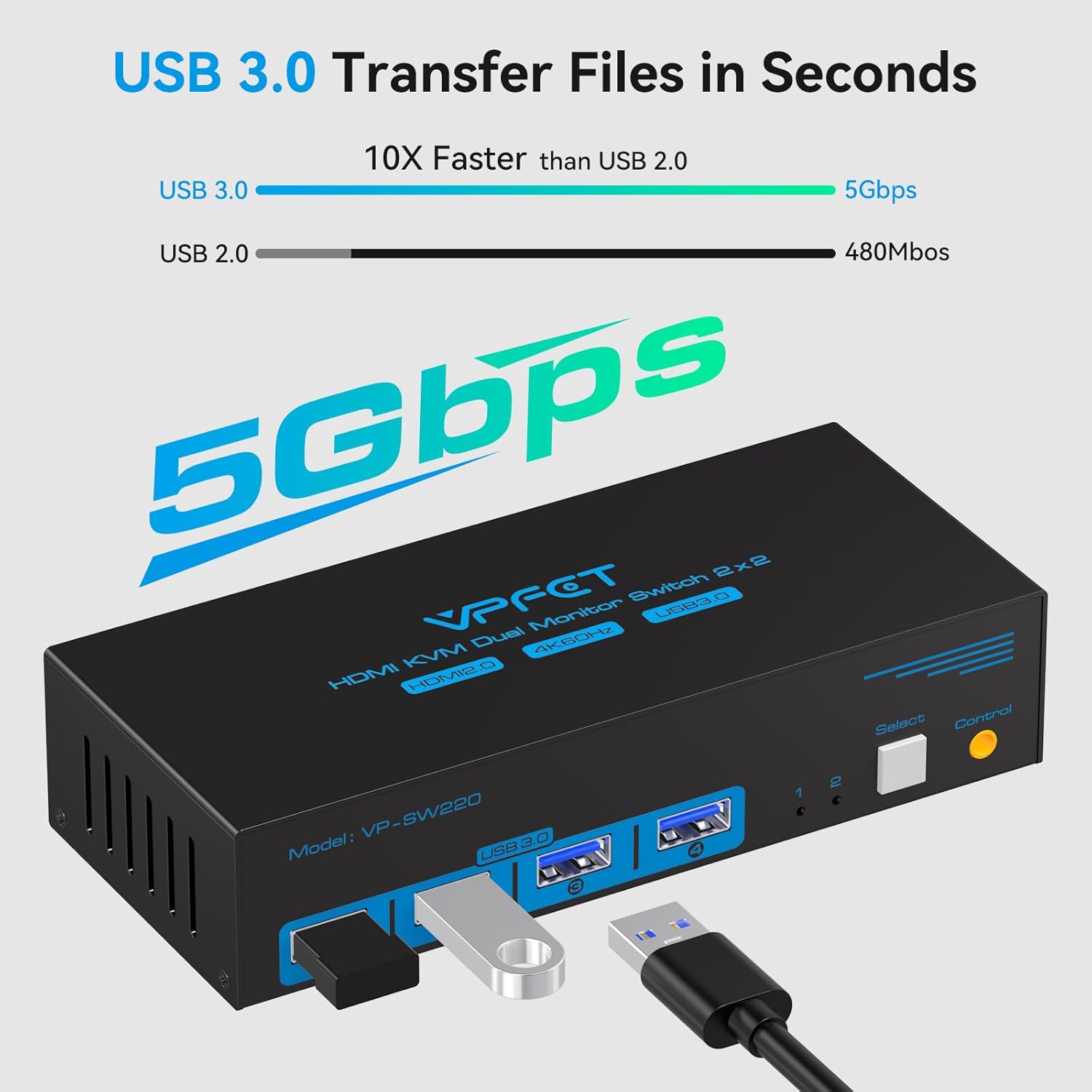
【HDMI USB3.0 KVM Switch】:In addition to two HDMI ports, this 2 monitor KVM switch also has four USB 3.0 ports,all four ports can be used at the same time,eliminating the need for usb hub and reducing cable clutter. And the USB 3.0 is compatible with USB 2.0,and can enables the host to identify devices faster,it has a maximum transmission bandwidth of 5.0 Gbps (640 MB/s) ,ensuring stable and high-speed data transmission.
【Convenient and Easy to Install】:KVM switches offer two methods of switching: 1. Simply press the switch button on the machine to switch the signal source. 2. Using the wired extension button,it allows you to move it where you need with a finger-push switch button placed wherever you like to switch between setups.Or you can mount it under the table with Velcro to keep your desk clean.Note:Keyboard shortcuts (hotkeys) are not supported.
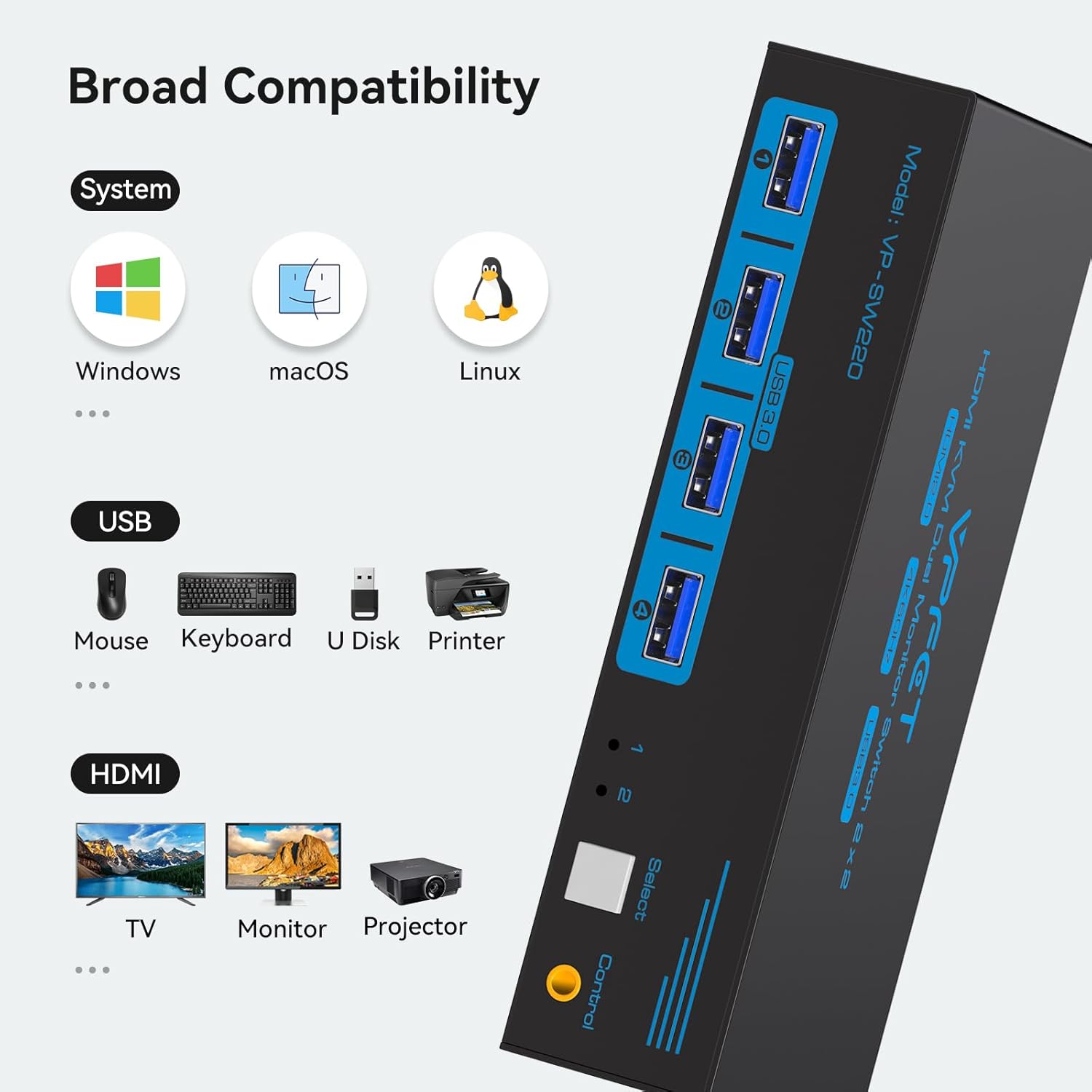
【Stable work】:KVM switcher comes with a 12V power adapter,which provides stable performance,and compatible with various operating systems, including Windows, macOS, and Linux.The durable metal casing not only looks sleek but also ensures minimal heat generation, making it ideal for extended use.Replacement service available within 24 months,if you encounter any problems during use, please contact us.Our professional after-sales support team will provide you with professional solutions.
Customers say
Customers find the HDMI KVM switch works well, with one mentioning it functions flawlessly with two monitors. The product receives positive feedback for its quality. However, the setup process receives mixed reviews, with several customers noting that the instructions are basically non-existent.
User Reviews
Be the first to review “HDMI KVM Switch 2 Monitors 2 Computers 4K@60Hz USB 3.0 Dual Monitor KVM Switch 2 Ports for 2 PC Share 2 Screens and 4 USB Devices for Keybord Mouse Printer with Desktop Controller”
Related Products


$69.99
There are no reviews yet.